
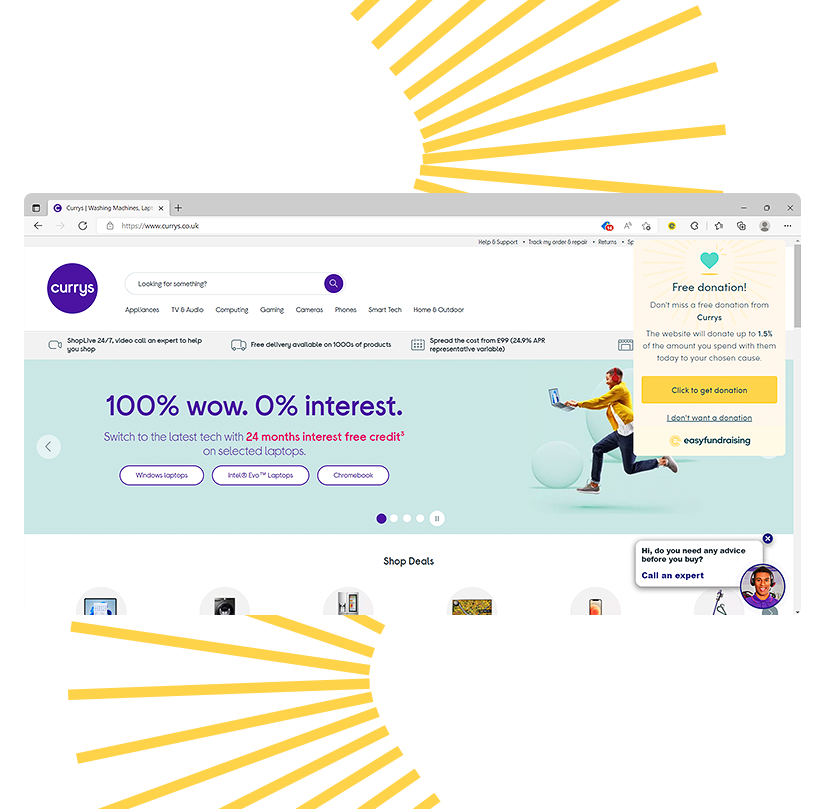
Get donations in one click!
Highlight Brands
Highlights over 7,000 brands where donations are available
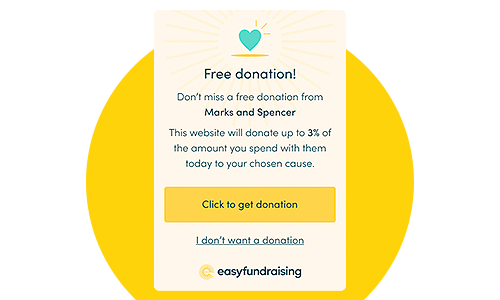
.png "View of how a donation reminder alert would show to you")
Kim Cowling
1st and 3rd Kilmacolm Guides
"easyfundraising has been great for us and so easy to use. Imagine being given free money just for online shopping! Since joining we have raised over £3,000."
Botany Bay Cricket Club
Over £2,500 raised
"easyfundraising gives us an alternative way to help fund the academy that doesn't involve baking cakes. We're all shopping online anyway, it's just easy."
Angela
Macmillan Cancer Support
"My favourite thing about easyfundraising is that it’s just that: easy to raise funds for my chosen charity! My top tip is to activate the Donation Reminder so when you are surfing the web for something, it reminds you when donations are available"